 Tablio
Every database.
One native app.
Tablio is a fast, native desktop client for PostgreSQL, MySQL, MariaDB, SQL Server, SQLite, CockroachDB, TiDB and Cassandra — browse, query, edit and administer without leaving one window.
Detected platform
Detecting…
Your OS is detected automatically. Packages are served from this site.
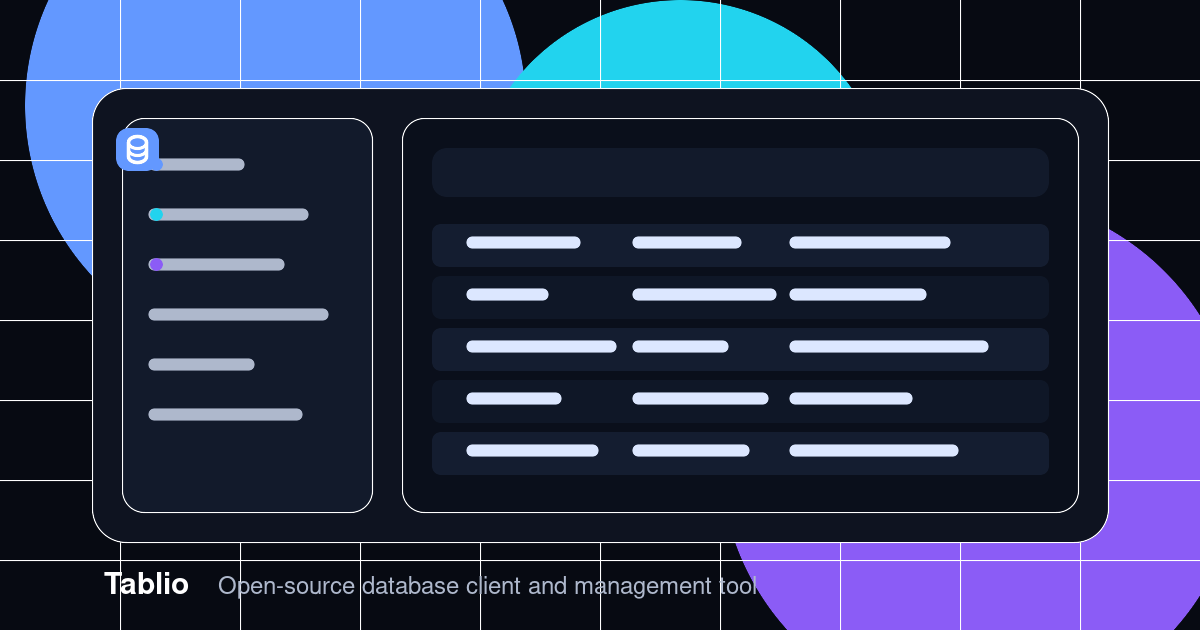
Features
Built for people who live in databases
One consistent workspace across engines — no plugins, no per-database licensing.
Eight engines, one UI
Dedicated native drivers for every engine, plus SSL/TLS and SSH tunnels with agent and key auth.
Data grid that edits
Paginated, sortable, filterable grids with inline editing, change tracking and single-transaction commits.
SQL console with Monaco
Autocompletion, formatting, query history, saved queries and result charts on a resizable split pane.
Schema and ERD
Lazy object tree, create/alter dialogs, DDL viewer, storage stats and a pannable entity-relationship diagram.
Import and export
CSV, JSON, SQL inserts and Excel with native type fidelity. Backup and restore across connections.
Server admin insights
Live sessions, locks and configuration, plus per-query performance stats and role management.
Downloads
Get Tablio v0.5.6
Pick the package for your machine — or just use the button above, it already knows.